Obsidian iCloud Sync: Setup, Problems, and Safer Alternatives
If you use Obsidian on a Mac and an iPhone, iCloud sync is probably the first solution you will consider.
It is built into Apple devices. It can be free if you already have enough iCloud storage. It does not require another sync subscription. For a simple Apple-only setup, it can work well.
But iCloud is not an Obsidian sync service. It is a general file sync service.
That distinction matters. An Obsidian vault is a folder of Markdown files, attachments, plugin settings, themes, snippets, canvas files, and hidden configuration. When sync is delayed, when a file is offloaded, or when two devices edit before they have the latest version, the result can be confusing or risky.
This guide explains how Obsidian iCloud sync works, how to set it up, what problems to watch for, and when to choose a different sync method.
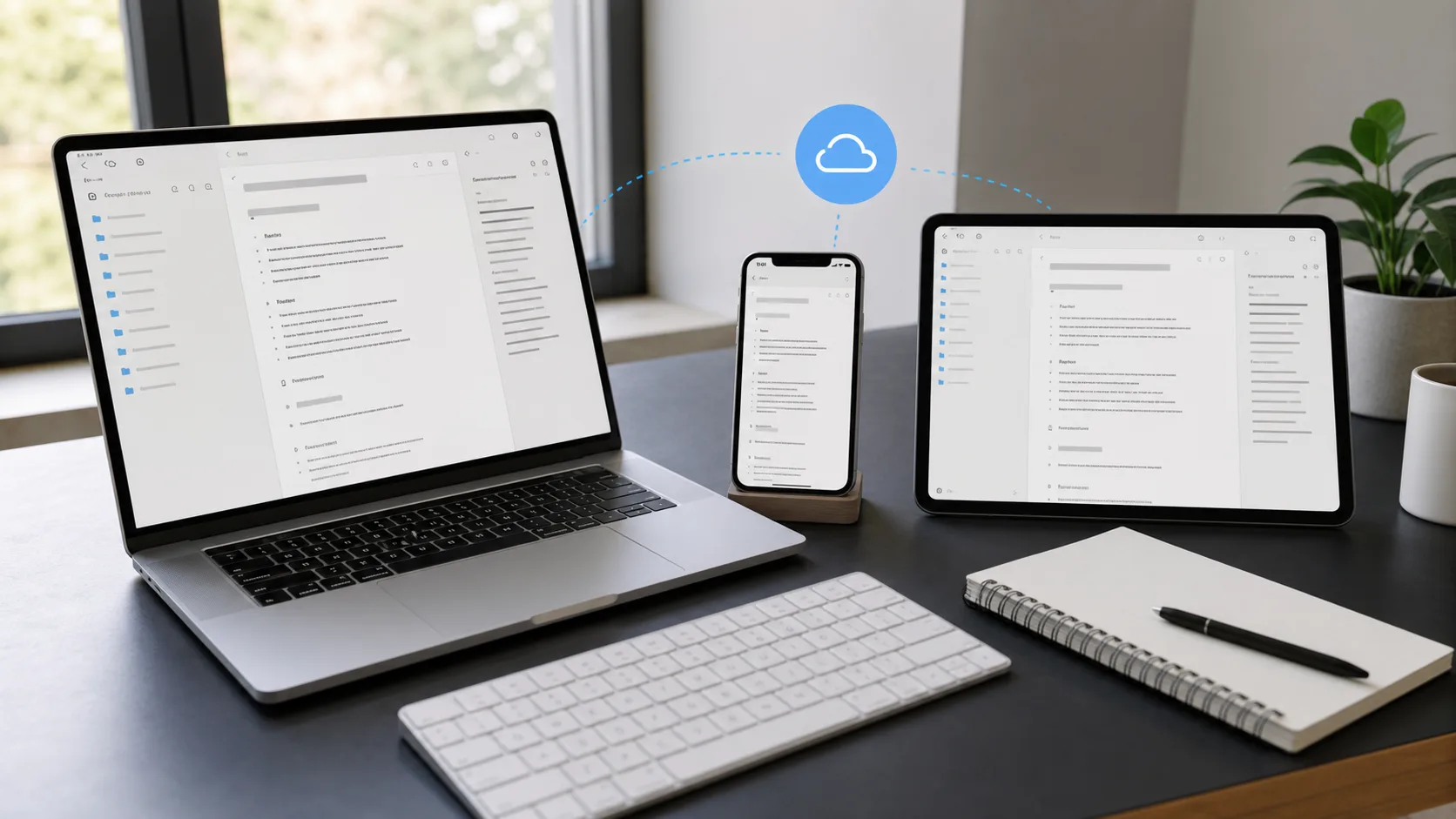
Can You Sync Obsidian With iCloud?
Yes. Obsidian supports storing vaults in iCloud Drive on Apple devices.
The common setup is:
- Create or move an Obsidian vault into iCloud Drive on your Mac.
- Open the same vault from Obsidian on your iPhone or iPad.
- Let iCloud Drive sync the files between devices.
For users who only use Apple devices, this is often the easiest free way to sync Obsidian notes.
It is important to understand the tradeoff: Obsidian is not controlling the sync engine. iCloud is. If iCloud is slow, paused, storage-constrained, offline, or confused by a conflict, Obsidian cannot always fix that from inside the app.
How to Set Up Obsidian iCloud Sync
Before changing your vault location, make a copy of your vault somewhere outside iCloud. The first sync is the easiest time to point a tool at the wrong folder or accidentally treat an incomplete copy as current.
On a basic Mac, iPhone, and iPad setup:
- Make sure every device is signed into the same Apple Account.
- Turn on iCloud Drive on each device.
- On Mac, open Obsidian and create a new vault in iCloud Drive, or move an existing vault there.
- Keep the vault inside the Obsidian folder in iCloud Drive when using iOS or iPadOS.
- On iPhone or iPad, install Obsidian.
- Open the vault from iCloud Drive.
- Wait for the first full sync to finish before editing on the second device.
The folder location matters on mobile. Obsidian’s help recommends keeping iCloud vaults under iCloud Drive/Obsidian/[Your Vault Name], not in a random iCloud folder.
If you are on recent macOS versions, also mark the Obsidian folder as downloaded locally. In Finder, right-click the Obsidian folder in iCloud Drive and choose Keep Downloaded. On iPhone or iPad, use the Files app to make sure the vault files are downloaded before relying on them offline.
When iCloud Sync Works Well
iCloud can be a reasonable Obsidian sync method when your setup is simple.
It works best when:
- You only use Mac, iPhone, and iPad
- Your vault is small or moderate in size
- You mostly edit from one device at a time
- You do not have many large attachments
- You can tolerate occasional sync delays
- You keep separate backups outside iCloud
If you mostly write on your Mac and occasionally read or lightly edit on your iPhone, iCloud may be enough.
The risk increases when you edit heavily on multiple devices, often work offline, use large attachments, or expect sync behavior that feels instant and conflict-aware.
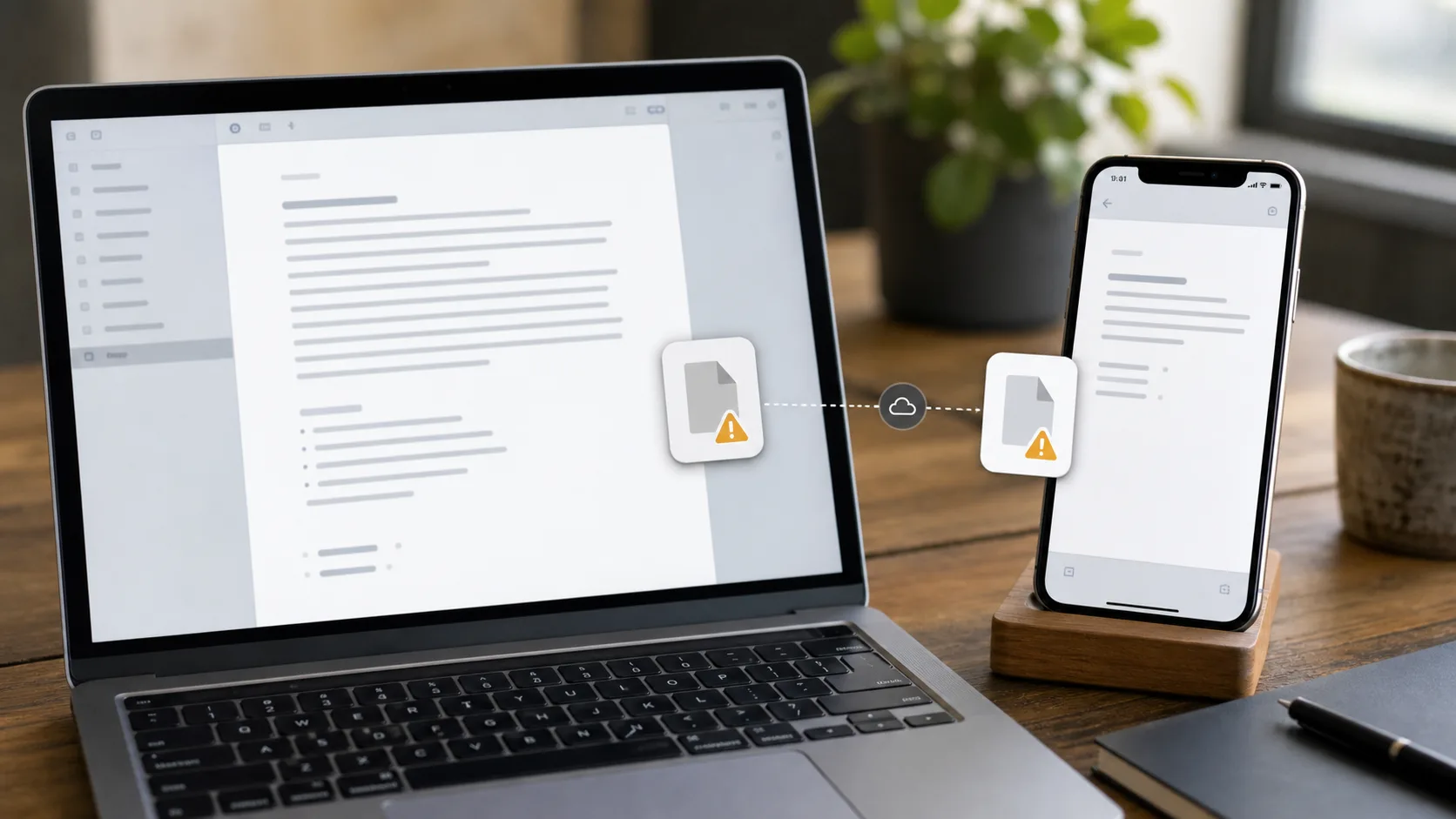
Common Obsidian iCloud Sync Problems
The most common iCloud problems are not always obvious as “sync errors.” They often look like Obsidian behaving strangely, even though the underlying issue is file availability or sync timing.
Notes Not Showing Up on iPhone or iPad
If a note exists on your Mac but not on your iPhone, iCloud may not have downloaded it yet.
Check that:
- iCloud Drive is enabled on the mobile device
- The vault is inside the correct iCloud Drive Obsidian folder
- The Files app can see the note
- The device has enough storage
- iCloud has finished uploading from the Mac
Do not start editing an old or incomplete copy of the same note while waiting. That can create a conflict or overwrite the version you expected to keep.
Vault Appears Empty or Incomplete
An incomplete vault usually means the folder exists but some files have not downloaded yet.
This is especially likely after setting up a new phone, restoring a device, or opening a large vault with many attachments.
Before you assume the vault is broken, check the same folder in the Files app and wait for iCloud to finish. If you have a backup, compare against that backup rather than moving files around blindly.
Files Are Offloaded From the Device
iCloud Drive can remove local copies of files to save space. That behavior is useful for photos and documents, but it can be dangerous for an Obsidian vault because Obsidian expects the vault files to be locally available.
On Mac, use Keep Downloaded for the Obsidian folder. On older macOS versions, you may also need to review the Mac storage optimization setting.
The goal is simple: your vault should be present on disk, not just represented by placeholder files.
Edits Conflict Between Devices
Conflicts can happen when two devices edit the same file before each device has the latest version.
For example:
- You edit a note on your Mac.
- The Mac has not finished uploading.
- You open the older version on your iPhone.
- You edit or close the note there.
- iCloud decides which file version wins.
In the best case, you get a conflict copy. In the worst case, the result can look like one version silently replaced another.
This is why iCloud sync is better for one-device-at-a-time editing than for rapid switching between Mac and mobile.
Sync Is Stuck or Slow
iCloud does not give Obsidian a reliable “sync now” button. If iCloud Drive is stuck, Obsidian is mostly waiting on the operating system.
Check:
- Network connection
- iCloud storage quota
- Device storage
- Whether Low Power Mode is limiting background activity
- Whether the file appears in iCloud.com
- Whether iCloud Drive is paused or still uploading other files
For important notes, wait until the file is visible and current on the second device before editing there.
Is Obsidian iCloud Sync Safe?
iCloud sync can be safe enough for lightweight workflows, but it should not be treated as a full backup or a dedicated Obsidian sync system.
Sync and backup are different.
If a file is deleted, emptied, or overwritten on one device, sync can carry that change to every device. A sync service keeps devices consistent. A backup gives you an independent recovery point.
If your Obsidian vault matters, keep a separate backup. That can be Time Machine, a copied vault folder, a Git repository, another backup tool, or a sync service with version history.
Also be careful with plugins and settings. The .obsidian folder can contain desktop-specific and mobile-specific behavior. Syncing all settings through iCloud may be convenient, but it can also make mobile Obsidian inherit settings that were designed for your Mac.
Should You Use iCloud With Obsidian on Windows?
Usually, no.
iCloud is most reasonable when every device is in the Apple ecosystem. Once Windows enters the setup, the risk and friction increase.
Windows iCloud Drive can be slower, less predictable, and more prone to pending sync states or duplicate files than the native Apple experience. Obsidian vaults change often, and that makes them a poor fit for any file sync setup that struggles with fast folder updates.
If you need to sync Obsidian between Windows and Apple devices, consider a cross-platform Obsidian-focused sync method instead:
- Official Obsidian Sync
- Synch
- A carefully configured community plugin
- Syncthing, if you are comfortable managing device-to-device sync
- Git, if you want explicit version control and can handle conflicts
iCloud is not the best bridge between Apple devices and Windows for an active Obsidian vault.
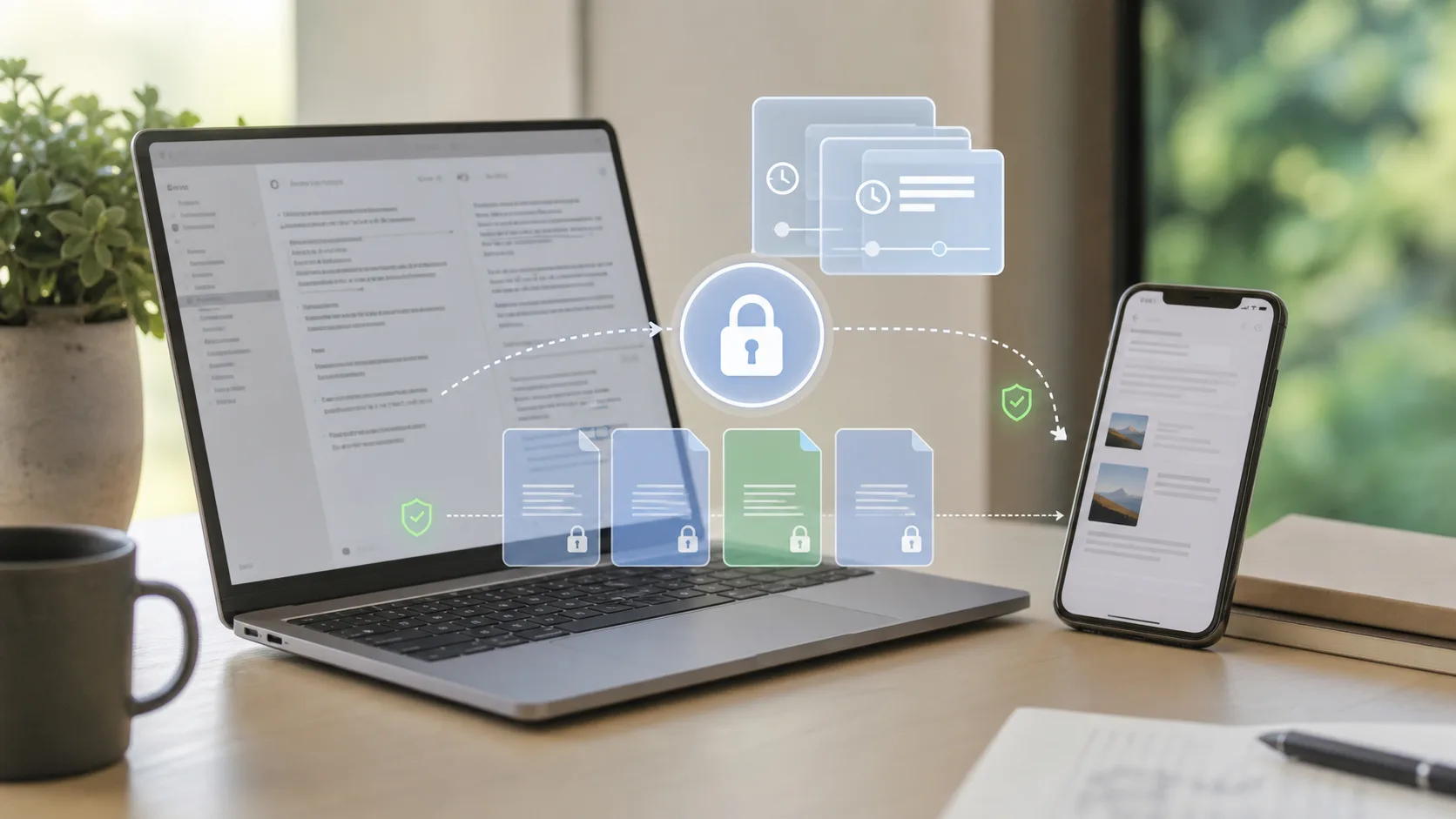
Obsidian iCloud vs Obsidian Sync vs Synch
Here is the practical comparison.
| Option | Best For | Strength | Main Tradeoff |
|---|---|---|---|
| iCloud Drive | Apple-only users with simple vaults | Easy and often free | Not Obsidian-aware |
| Obsidian Sync | Users who want the official integrated service | Polished, cross-platform, end-to-end encrypted | Paid subscription |
| Synch | Users who want low-cost hosted sync with open-source code and end-to-end encryption | Obsidian-focused, private, free and low-cost plans | Newer project |
iCloud is a file sync layer. It may be enough when your vault is simple and your devices are all Apple devices.
Obsidian Sync is the official service. It is the easiest recommendation if you want the most polished integrated experience and the price works for you.
Synch is an open-source, end-to-end encrypted Obsidian sync alternative. It is designed for users who want hosted sync without relying on a general cloud drive and without paying the full price of the official service. Synch has a free plan for small vaults and a low-cost Starter plan for users who need more room.
Best Practices for Obsidian iCloud Sync
If you decide to use iCloud, keep the setup conservative.
- Back up your vault before moving it into iCloud
- Keep the vault in the recommended iCloud Drive Obsidian folder
- Mark the Obsidian folder as downloaded locally
- Wait for first sync to finish before editing on another device
- Avoid editing the same note on two devices at once
- Be careful when working offline
- Do not combine multiple sync tools on the same vault
- Keep an independent backup outside iCloud
The last point is the most important. iCloud can help keep devices in sync, but it should not be your only recovery strategy.
Frequently Asked Questions
Is Obsidian iCloud sync free?
It can be free if you already have enough iCloud storage. You do not need to pay Obsidian for iCloud Drive sync. However, iCloud storage itself may require a paid Apple plan if your vault and other files exceed the free storage limit.
Why is my Obsidian note not syncing to iPhone?
The most common reasons are that iCloud Drive has not finished syncing, the vault is not in the expected iCloud Drive Obsidian folder, the file has not downloaded locally, or the device does not have enough storage.
Can iCloud cause Obsidian data loss?
Any file sync system can contribute to data loss if an empty, old, or conflicting version overwrites the version you wanted. This is why you should keep backups and avoid editing on a second device before the latest changes have arrived.
Can I use iCloud and Obsidian Sync together?
Do not run two sync systems on the same active vault. Using iCloud Drive and another Obsidian sync service on the same folder can create conflicts and confusing deletions. Choose one primary sync method for the vault.
Is iCloud better than Obsidian Sync?
iCloud is cheaper if you already use Apple storage, but Obsidian Sync is built specifically for Obsidian and works across more platforms. If reliability and cross-platform behavior matter more than cost, Obsidian Sync is usually the stronger option.
Is Synch an iCloud replacement for Obsidian?
Synch can replace iCloud as the sync layer for an Obsidian vault if you want an Obsidian-focused, end-to-end encrypted hosted sync service. It is especially relevant when iCloud feels too fragile, when you use non-Apple devices, or when you want a lower-cost alternative to official Obsidian Sync.
The Bottom Line
Obsidian iCloud sync is a good starting point for Apple-only users with simple vaults. It is easy, familiar, and often free.
It is not the best choice for every vault.
If your notes are important, if you edit across devices often, if Windows is part of your setup, or if you want clearer recovery behavior, consider an Obsidian-focused sync tool instead. Use official Obsidian Sync for the most polished first-party option. Use Synch if you want a lower-cost, open-source, end-to-end encrypted Obsidian sync alternative.