Best Obsidian Sync Alternatives in 2026
Obsidian is local-first by design. Your notes live as plain Markdown files on your own device, which gives you unusual control compared with most note-taking apps.
That control also means sync is not a single obvious choice.
You can use the official Obsidian Sync service. You can put your vault in iCloud, Dropbox, Google Drive, or OneDrive. You can use community plugins such as Remotely Save or Self-hosted LiveSync. You can use Syncthing, Git, or a newer open-source option like Synch.

All of these can move notes between devices. They do not make the same tradeoffs.
The real question is not “Which sync tool is best?”
It is:
What kind of privacy, reliability, cost, and setup burden do you want?
Why Obsidian Sync Is Different From File Sync
An Obsidian vault is not just a folder of text files.
A vault can contain Markdown notes, images, PDFs, canvas files, plugin settings, themes, snippets, bookmarks, and hidden configuration files. Changes can happen quickly across multiple devices. A note edited on your laptop may collide with a note edited on your phone. A plugin may update a settings file while another device is offline. A large attachment may still be uploading while a small Markdown note has already changed twice.
That is why syncing an Obsidian vault is different from simply copying files.
A good Obsidian sync solution should help with:
- Keeping changes consistent across devices
- Handling conflicts safely
- Working well on mobile
- Protecting private notes before they reach a server
- Preserving enough history to recover from mistakes
- Avoiding accidental data loss
- Staying understandable when something goes wrong
For many users, the best sync tool is the one that makes these problems disappear. For others, the best tool is the one that gives them the most control.
Obsidian Sync
Obsidian Sync is the official option. It is deeply integrated into Obsidian, works across platforms, supports end-to-end encryption, and includes version history.
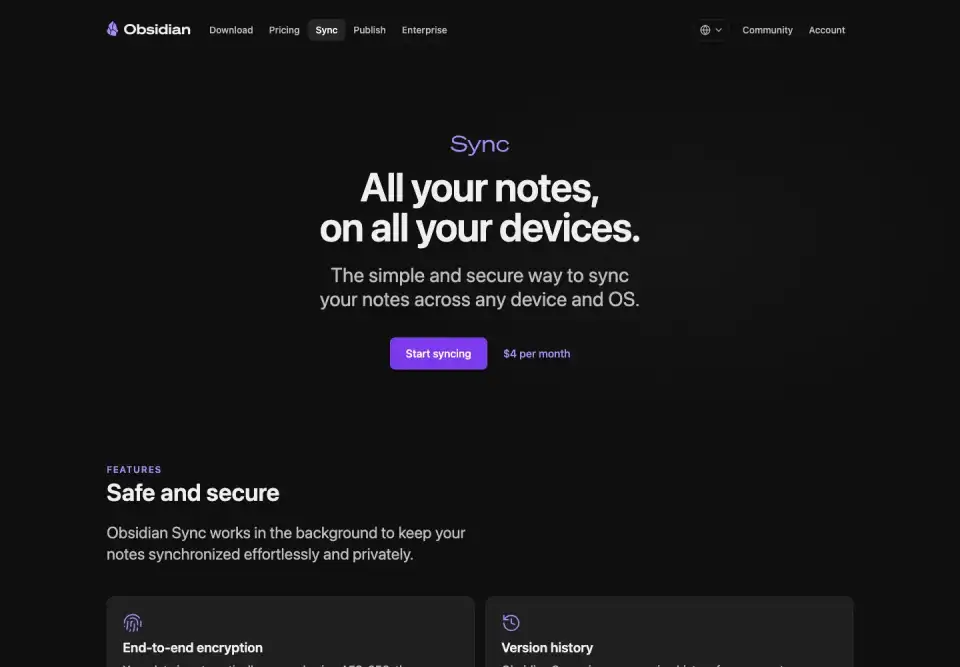
For most users who want the least friction, this is the easiest recommendation. It is built by the Obsidian team, fits naturally into the app, and avoids a lot of manual setup.
The tradeoff is that it is a paid hosted service. Obsidian Sync starts at $5/month when billed monthly, or $4/month when billed annually. It is also not the right fit for users who specifically want an open-source sync stack, self-hosting, or lower-cost hosted sync.
Best for: users who want the smoothest official experience.
iCloud, Dropbox, Google Drive, and OneDrive
General-purpose cloud drives are tempting because many people already use them. Put your vault in a synced folder, install Obsidian on another device, and you are mostly done.
This can work well for simple setups, especially if you mostly use one desktop and occasionally read notes elsewhere.
The problem is that these services are not designed specifically for Obsidian vault behavior. They may sync files at different times, struggle with rapid changes, behave differently on mobile, or create duplicate and conflicted files. Some mobile platforms also make background file sync less predictable.
Best for: simple vaults, low-frequency editing, and users who already trust their cloud storage provider.
Remotely Save
Remotely Save is a popular community plugin that syncs Obsidian vaults through storage providers such as S3-compatible services, WebDAV, Dropbox, OneDrive, Google Drive, Box, pCloud, and others.
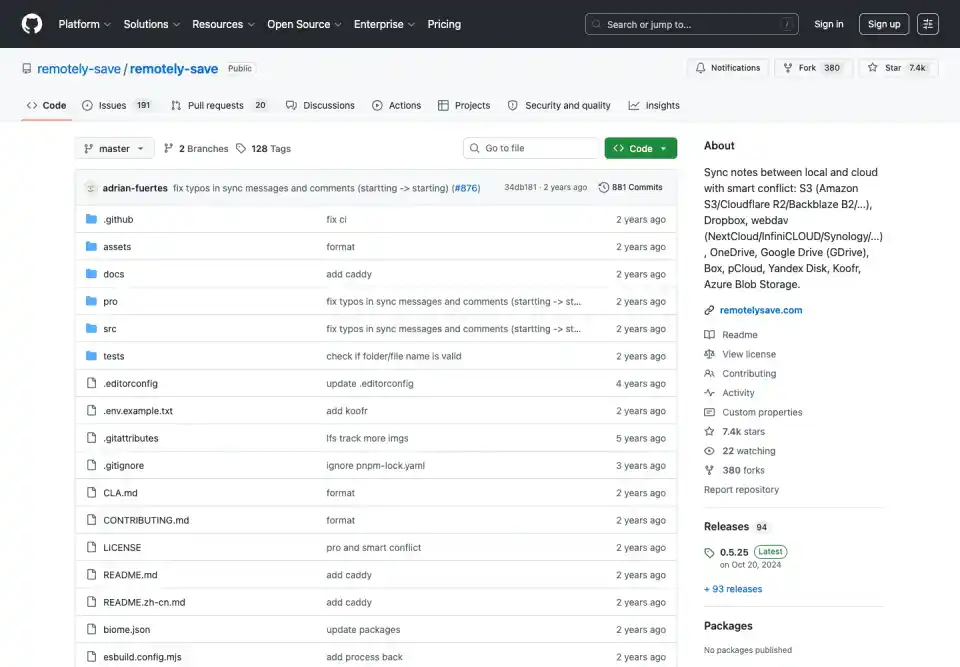
Its strength is flexibility. You can choose your own storage backend instead of relying on a single sync provider. It also supports Obsidian mobile and offers encryption options.
The tradeoff is that you are still responsible for choosing and configuring the remote storage. Conflict handling and advanced behavior can also depend on the exact setup and feature tier.
Best for: users who want Obsidian-aware sync while choosing their own cloud storage.
Self-hosted LiveSync
Self-hosted LiveSync is one of the most powerful community sync options for Obsidian. It can use CouchDB or object storage backends such as S3, R2, or MinIO, supports end-to-end encryption, and is designed for near real-time sync.

It is especially attractive for users who want self-hosting, strong control, and more advanced synchronization behavior than a basic file sync service.
The tradeoff is complexity. Running and maintaining the backend is part of the deal. For technical users, that may be acceptable or even desirable. For users who just want private sync without operating infrastructure, it can be too much.
Best for: technical users who want self-hosted, highly capable Obsidian sync.
Syncthing
Syncthing is an open-source peer-to-peer file synchronization tool. It does not depend on a central cloud storage provider, and it can be a great fit for people who want device-to-device sync.
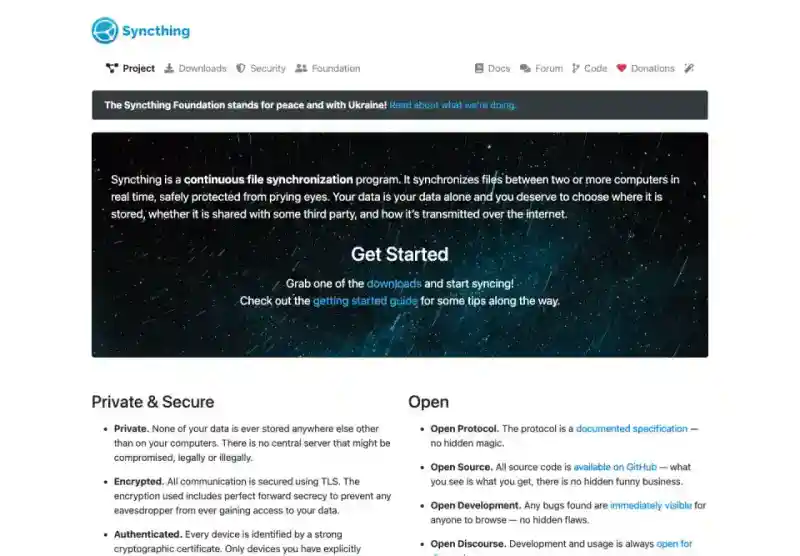
It is not Obsidian-specific, though. It syncs files, not vault intent. That means conflict handling, mobile behavior, always-on availability, and recovery workflows are things you need to understand and manage.
Best for: users who want open-source peer-to-peer file sync and are comfortable managing devices.
Git
Git is excellent for version history, diffs, branching, and text-based workflows. Many developers already use it for Obsidian vaults.
But Git is not a natural automatic sync solution for most note-taking workflows. Merge conflicts, commits, pulls, pushes, authentication, and mobile support can become friction. It is powerful, but it asks the user to think like a developer.
Best for: developers and technical writers who want explicit history and control.
Synch
Synch is an open-source, end-to-end encrypted sync project for Obsidian.
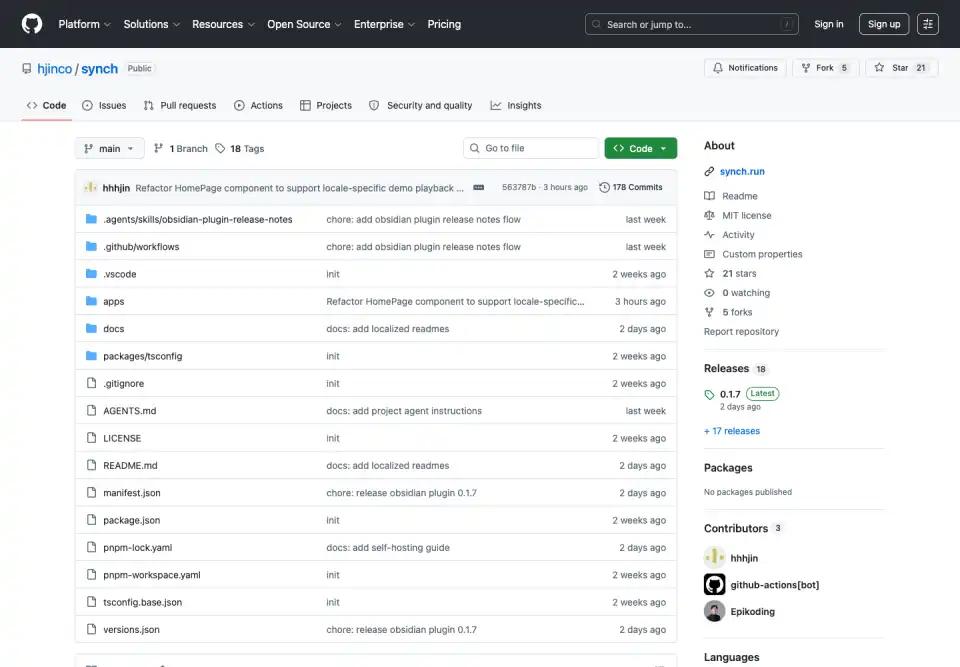
It is designed for users who want something closer to a hosted sync experience, but with a lower price and a more inspectable stack. Synch has a free plan, so you can start syncing without paying. For users who need more room, the Starter plan is $1/month, compared with Obsidian Sync’s $5/month monthly plan.
That price difference matters for solo users, students, hobbyists, and people who like Obsidian but do not want another $5/month subscription just to keep a small vault in sync.
Synch’s current hosted plans are intentionally lightweight. The free plan includes one synced vault, 30 MB of storage, a 3 MB maximum file size, and 1 day of version history. The Starter plan includes one synced vault, 1 GB of storage, a 5 MB maximum file size, and 1 month of version history.
The tradeoff is maturity. Obsidian Sync is the official, polished, battle-tested option. Synch is newer, open-source, and aimed at users who value cost, transparency, and privacy enough to choose a younger alternative.
Best for: users who want a free or low-cost, open-source, end-to-end encrypted Obsidian Sync alternative.
Quick Comparison
| Option | Best For | Main Strength | Main Tradeoff |
|---|---|---|---|
| Obsidian Sync | Most users | Official, polished, integrated | Paid hosted service starting at $5/month monthly |
| Cloud drives | Simple setups | Easy if already installed | Not Obsidian-aware |
| Remotely Save | Bring-your-own storage | Many storage backends | Setup and conflict behavior vary |
| Self-hosted LiveSync | Technical self-hosters | Powerful real-time sync | Backend operations |
| Syncthing | Peer-to-peer sync | Open-source device sync | Not Obsidian-specific |
| Git | Developer workflows | History and diffs | Manual conflict workflow |
| Synch | Cost-conscious privacy users | Free plan, $1/month Starter, open-source, E2EE | Newer project |
How to Choose
If you want the most polished official option, use Obsidian Sync.
If you already use a cloud drive and your vault is simple, iCloud, Dropbox, Google Drive, or OneDrive may be enough.
If you want to choose your own storage provider, look at Remotely Save.
If you want a serious self-hosted setup and are comfortable running infrastructure, Self-hosted LiveSync is one of the strongest options.
If you want peer-to-peer file sync, Syncthing is worth considering.
If you want explicit version control and are comfortable with Git workflows, Git can work well.
If you want a free or much cheaper hosted option with open-source code and end-to-end encryption, Synch is built for that space.
The Bottom Line
Obsidian gives you ownership of your notes. Your sync choice should preserve that ownership instead of quietly taking it away.
The best sync setup is not just the one that moves files fastest. It is the one that matches your privacy expectations, your tolerance for setup, your recovery needs, your budget, and the way you actually use Obsidian every day.