Syncthing for Obsidian: Is It a Good Obsidian Sync Alternative?
Syncthing is one of the common answers when Obsidian users ask for free, private sync.
That makes sense. Syncthing is open source, peer-to-peer, and designed to synchronize files directly between devices. It does not require you to put your notes in Dropbox, Google Drive, iCloud, or OneDrive. It also does not require a central storage server that keeps a copy of your vault.
For many technical users, that is exactly the appeal.
But there is a difference between syncing files and syncing an Obsidian vault safely.
Obsidian is local-first, but a vault is more than a folder of Markdown files. It can include attachments, plugin databases, themes, snippets, canvas files, workspace state, and the .obsidian configuration folder. Those files can change quickly, and they can change from multiple devices.
So the real question is not simply:
Can Syncthing sync Obsidian?
It is:
Is Syncthing the right sync model for the way you use Obsidian?
What Syncthing Does Well
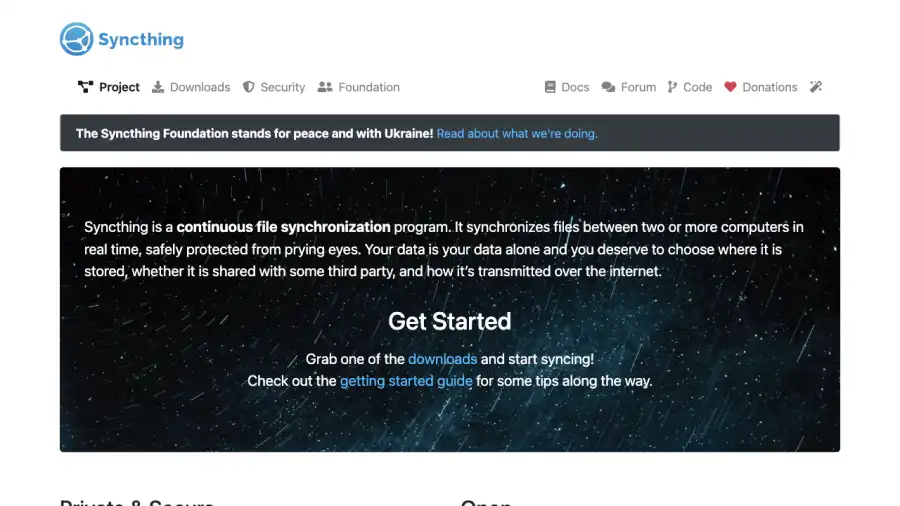
Syncthing is a continuous file synchronization tool. It detects file changes with filesystem watchers and periodic scans, then synchronizes changes between two or more computers.
Its core strengths are clear:
- It is open source.
- It does not store your data on a central Syncthing server.
- It does not rely on hosted cloud storage for your files.
- Device-to-device communication is encrypted with TLS, including when a relay is needed for connectivity.
- Devices are authenticated before they can connect.
- It can sync many different folders, not just Obsidian vaults.
For an Obsidian user who wants a free peer-to-peer setup between a desktop and another always-online device, Syncthing can be a strong option.
It is especially attractive if you already understand file synchronization, device pairing, folder sharing, and conflict recovery.
Why Obsidian Vaults Need Extra Care
An Obsidian vault looks simple because notes are plain files. That is one of Obsidian’s best design choices.
The sync problem is that vault activity is not always simple.
A normal vault may contain:
- Markdown notes
- Images, PDFs, audio, and other attachments
- Canvas files
- Plugin settings
- Theme and snippet files
- Workspace state
- Mobile-specific settings
- Hidden files inside
.obsidian
Some of those files are edited by you. Some are edited by Obsidian. Some are edited by plugins. Some may be rewritten even when you do not think you changed anything.
That matters because generic file sync does not understand Obsidian intent. It sees file changes. It does not know that a plugin setting changed, that a mobile workspace file should not override a desktop layout, or that a note conflict needs a human-readable recovery path.
A Good Syncthing Setup
Syncthing works best for Obsidian when your setup is disciplined.
A good setup usually looks like this:
- One primary desktop vault.
- One or more secondary devices.
- A separate backup before the first sync.
- A clear decision about whether to sync
.obsidian. - Enough time for every device to finish syncing before you edit elsewhere.
- A conflict recovery habit.
If you mostly edit on one machine and use another device for reading or light capture, Syncthing can be reliable.
If you frequently edit the same notes from multiple devices while some of them are offline, the risk goes up.
The Hard Parts of Syncthing With Obsidian
Syncthing is powerful, but the responsibility sits with you.
The first hard part is device availability. Peer-to-peer sync needs devices to be online long enough to exchange changes, either directly or through a relay. If your laptop is asleep and your phone edits a note, nothing can sync until another device with the needed changes can communicate again.
The second hard part is mobile behavior. Android background restrictions, battery optimization, and app availability can affect how quickly changes move. The official Syncthing Android app was retired after its final release with the December 2024 Syncthing version, so Android users now need to understand their current app path, such as Syncthing-Fork or another approach.
The third hard part is conflict handling. If two devices edit the same file before sync completes, a file sync tool has to preserve both versions somehow. That is better than silent data loss, but it still leaves you with cleanup work.
The fourth hard part is vault configuration. Syncing .obsidian keeps plugins and settings aligned, but it can also copy desktop assumptions onto mobile. Not syncing .obsidian avoids that, but then your devices may behave differently.
None of these problems mean Syncthing is bad. They mean Syncthing is a file sync tool, and Obsidian vaults have application-specific behavior.
Syncthing vs Synch
Synch takes a different approach.
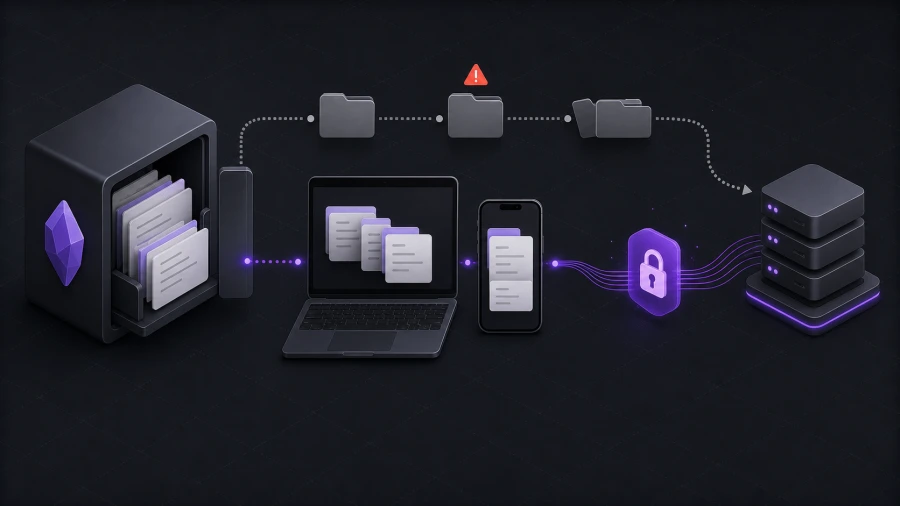
Syncthing is a general-purpose peer-to-peer file synchronization tool. Synch is an open-source, end-to-end encrypted sync service built specifically for Obsidian.
That difference changes the tradeoff.
| Question | Syncthing | Synch |
|---|---|---|
| What does it sync? | Folders and files | Obsidian vault data |
| Is it open source? | Yes | Yes |
| Is it end-to-end encrypted? | Device communication is encrypted; optional untrusted-device encryption exists for advanced setups | Vault data is encrypted locally before upload |
| Does it require central storage? | No | Hosted service or self-hosted Synch server |
| Is it Obsidian-aware? | No | Yes |
| Does it need device pairing and folder setup? | Yes | No peer-to-peer device pairing |
| Best fit | Technical users who want device-to-device file sync | Users who want private Obsidian sync without managing file-sync infrastructure |
Syncthing is attractive when you want no hosted storage at all.
Synch is attractive when you want a smoother Obsidian sync workflow while keeping end-to-end encryption and open-source code.
When Syncthing Is a Good Choice
Use Syncthing for Obsidian if you want peer-to-peer file sync and you are comfortable owning the setup.
It is a good fit when:
- You understand how Syncthing shares folders between devices.
- You are comfortable checking sync status before editing.
- You keep independent backups.
- You can handle conflict files if they appear.
- Your devices are online at predictable times.
- You prefer avoiding hosted storage entirely.
For a technical user with a desktop, laptop, home server, or NAS, Syncthing can be a clean and private setup.
When Synch Is a Better Fit
Use Synch if you want an Obsidian Sync alternative without turning sync into a device-management project.
Synch is designed for users who care about privacy but still want a hosted sync workflow. Your vault data is encrypted locally before upload, so the server stores encrypted data rather than readable notes.
Synch is a better fit when:
- You want sync behavior designed around Obsidian.
- You do not want to manage peer-to-peer connectivity.
- You want a hosted option with end-to-end encryption.
- You want a simpler setup on mobile.
- You want version history and deleted-file recovery within plan limits.
- You want a free or low-cost alternative to Obsidian Sync.
The current Synch Free plan includes one synced vault, 30 MB of storage, a 3 MB maximum file size, and 1 day of version history. The Starter plan includes one synced vault, 1 GB of storage, a 5 MB maximum file size, and 1 month of version history.
That makes Synch a practical option for small personal vaults, students, hobby notes, and users who want private encrypted sync without paying for a larger subscription.
Safe Tips if You Use Syncthing Anyway
If you choose Syncthing, set it up carefully.
Start with a full backup of your vault before the first sync. Do not treat sync as backup. Sync can copy mistakes very efficiently.
Wait for the initial sync to finish before opening the vault on another device. This is the moment when many avoidable problems happen.
Decide what to do with .obsidian before syncing. If you want the same plugins and settings everywhere, sync it intentionally. If you want separate desktop and mobile layouts, consider excluding some settings.
Avoid using two sync systems on the same vault. Do not put the same Obsidian folder inside iCloud or Dropbox while also using Syncthing or another sync service. Layered sync tools are a common source of duplicate files and confusing conflicts.
Check conflict files instead of deleting them immediately. They may contain the only copy of edits made while another device was offline.
FAQ
Can Syncthing sync Obsidian?
Yes. Syncthing can sync an Obsidian vault because an Obsidian vault is a local folder. The important question is whether you are comfortable managing file sync, conflicts, device availability, and mobile behavior yourself.
Is Syncthing end-to-end encrypted?
Syncthing secures communication between authenticated devices with TLS, and it does not store your files on a central Syncthing server. It also has an optional untrusted-device mode for storing encrypted data on a device you do not fully trust. That is different from a hosted Obsidian sync service where vault data is encrypted locally before upload and stored remotely in encrypted form by default.
Is Syncthing better than Obsidian Sync?
It depends on what you value. Syncthing is free, open source, and peer-to-peer. Obsidian Sync is official, integrated, and built for Obsidian. Syncthing gives you more control, but Obsidian Sync usually requires less operational attention.
Is Synch an alternative to Syncthing for Obsidian?
Yes, if your goal is private Obsidian sync rather than general folder sync. Syncthing is broader and peer-to-peer. Synch is narrower and Obsidian-focused, with end-to-end encrypted hosted sync and a self-hosting path.
Should I use Syncthing or Synch?
Use Syncthing if you want peer-to-peer file sync and you are comfortable managing the details. Use Synch if you want a private, end-to-end encrypted Obsidian sync alternative that is easier to set up and designed around vault behavior.
Bottom Line
Syncthing is a strong file synchronization tool. For the right user, it can sync an Obsidian vault well.
But it is still file sync. It does not know what an Obsidian vault means, which files are plugin state, which conflicts are important, or what recovery workflow a note-taking user expects.
If you want maximum peer-to-peer control, Syncthing is worth considering.
If you want private Obsidian sync with end-to-end encryption and less setup burden, Synch is built for that job.